

Your Login Needs a Brain (Here’s How Conditional Access Does It)

Hey there! Remember when “password” was enough and we all felt safe? Yeah, those days are gone. Now Microsoft has this thing called Conditional Access in Entra ID that basically turns your login into a bouncer with a brain. It looks at the situation and decides who gets in easy and who has to prove they’re not a hacker.
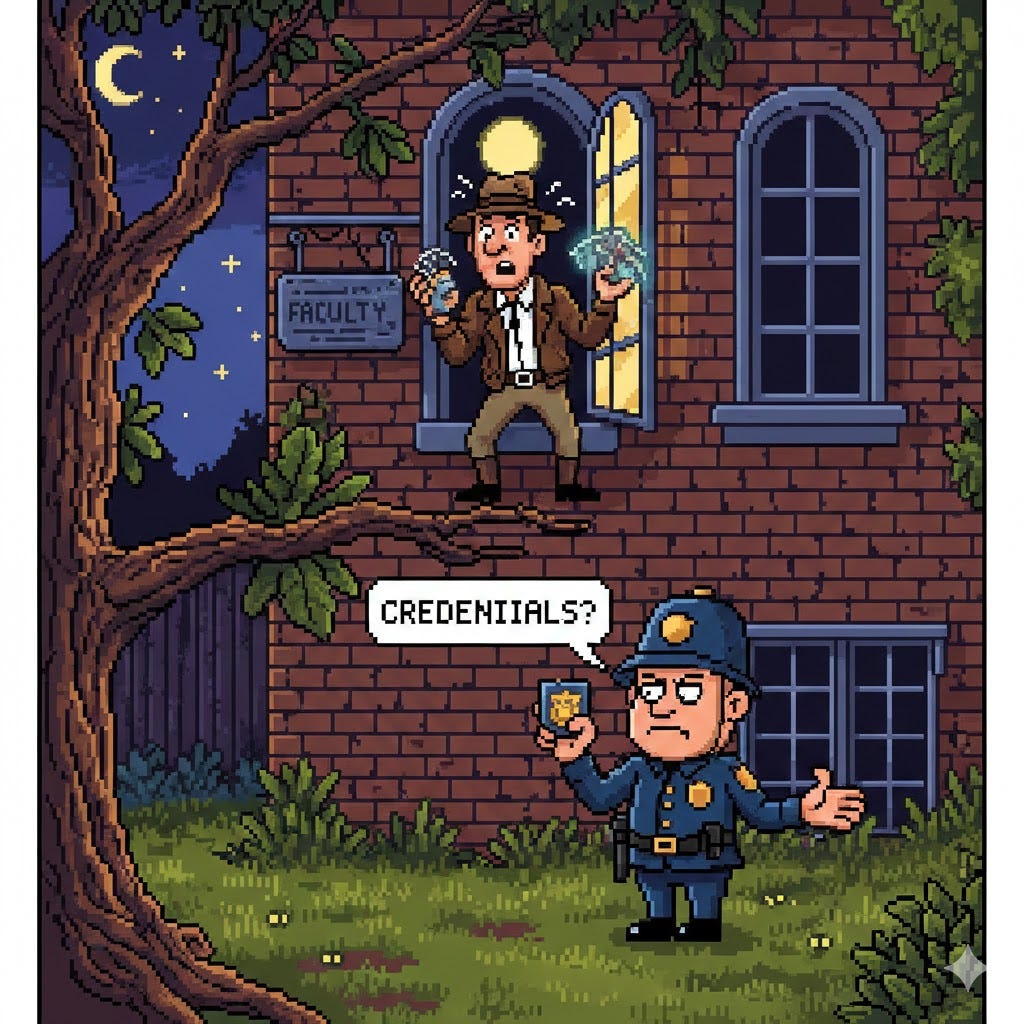
If you’ve ever been annoyed by constant MFA prompts OR freaked out because someone got hacked… this one’s for you. Coffee ready? Let’s do this.
You: Alright, cut the drama – what exactly is Conditional Access?
Me: It’s a set of “if-this-then-that” rules that run every single time someone tries to log into Microsoft 365. Entra ID checks stuff like where they are, what device they’re on, and how sketchy the login looks, then either waves them through, asks for MFA, or slams the door.
You: So it’s just smarter MFA?
Me: Smarter everything. Instead of bugging your team non-stop, it only asks for extra proof when something feels off. Work laptop in the office? Smooth sailing. Random device from a new country at 3 a.m.? Yeah, we’re gonna need more than a password, buddy.
You: Why do I keep hearing it’s a must-have?
Me: Because most breaches start with stolen passwords, and hackers hate MFA. Conditional Access is the easiest way to force MFA exactly when it matters and block the old crappy logins that can’t do modern security. One toggle = massive security win.
You: I’m scared I’ll create a policy and lock the whole company out tomorrow. How do I not be that person?
Me: Easy – never turn a policy on for real until you’ve tested it in report-only mode first. You create the rule exactly how you want it, flip it to “report-only,” and for the next few days Entra shows you exactly who would’ve been blocked or prompted. No one feels a thing, but you get a full preview. Once you’re 100% sure (and you’ve excluded your emergency break-glass account), then you switch it to “On.” That one habit has saved more admins from becoming memes than anything else.
You: Any single policy that’s an instant game-changer?
Me: Block legacy authentication. Seriously. One policy, one click, shuts down all the ancient email protocols hackers still use to sneak past MFA. Do that today and sleep way better tonight.
Conditional Access isn’t complicated – it’s just Microsoft finally giving your logins common sense. Turn on report-only, block legacy auth, add one simple MFA-when-it-matters rule, and you’re already miles ahead of most companies.
You’ll thank yourself the first time it quietly stops an attack you never even saw coming.
So… which rule are you turning on first? Already living that Conditional Access life or still on the fence? Drop your story (or panic moment) in the comments – I read them all! 👇
And if this finally clicked for you, forward it to the person who still uses “Summer2023!” as their password. They need this. 🚀
References
Microsoft Learn: Conditional Access overview – https://learn.microsoft.com/en-us/entra/identity/conditional-access/overview
How to create your first policy – https://learn.microsoft.com/en-us/entra/identity/conditional-access/howto-conditional-access-policy-all-users-mfa